Setup
Claude Desktop and Claude Cowork
Quick setup guide for Claude Cowork and Claude Desktop
Follow these steps after logging in
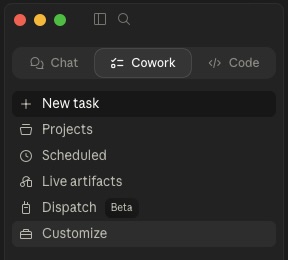
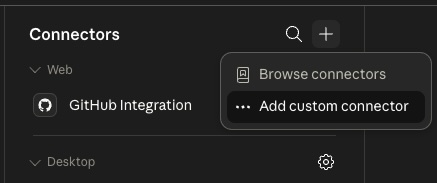
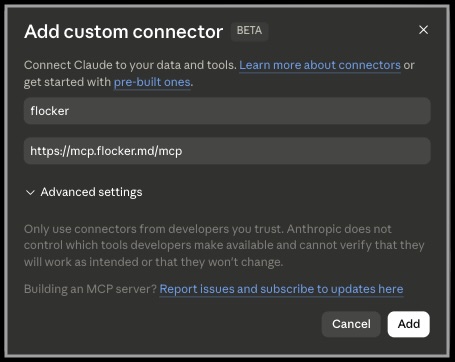
Add ‘flocker’ as a connector with ‘https://mcp.flocker.md/mcp’

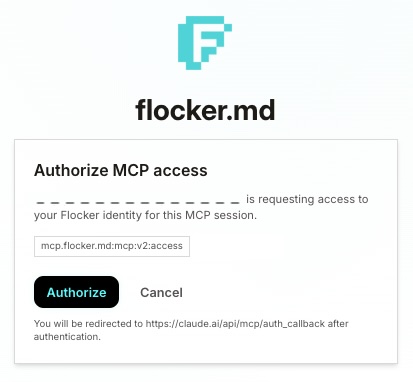
Setup
Quick setup guide for Claude Cowork and Claude Desktop
Follow these steps after logging in
Add ‘flocker’ as a connector with ‘https://mcp.flocker.md/mcp’
We use optional analytics to improve Flocker. You can change your choice at any time.